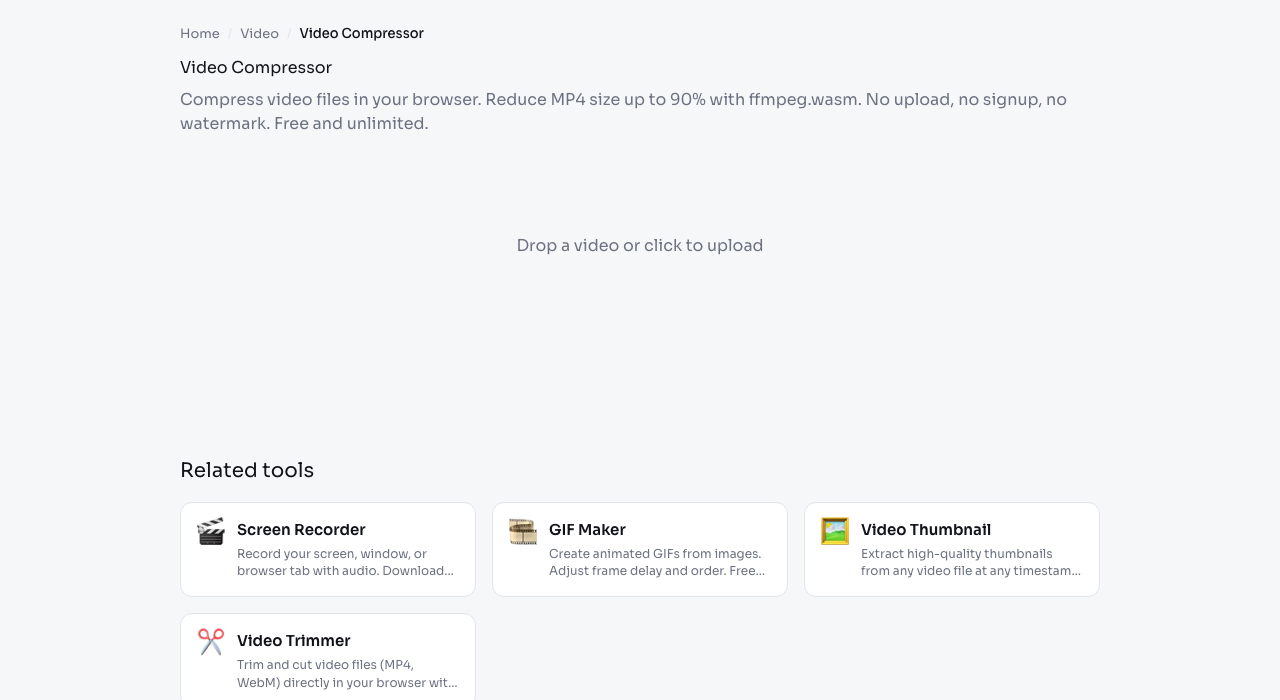
Video Compressor

Compress video files locally with ffmpeg.wasm. Output size, quality, and processing time depend on the source video and your device.

Preparing private browser tool…

Your video will stay on this device.

The FFmpeg engine runs locally in your browser.

What to expect

Video compression runs locally with ffmpeg.wasm, so speed depends on your device.

Phone clip

High-bitrate MP4Smaller MP4

Useful for messaging and quick sharing.
Screen recording

Large WebMCompressed MP4

Check text clarity in the exported recording.

Short social video

Original MOVShareable MP4

The selected video is processed in your browser.

Verify how this tool processes files

Review our local-processing checks, documented limitations, and repeatable testing method.

Read Our Testing Method

Frequently asked questions

How does browser video compression work?
We run ffmpeg.wasm (a WebAssembly port of ffmpeg) fully in your browser. Your video is re-encoded with H.264 (libx264) at a configurable quality level. Nothing is uploaded - the entire compression happens on your device.
How much size reduction should I expect?
Low quality: ~80-90% smaller (CRF 32). Medium: ~60-75% smaller (CRF 26). High: ~30-50% smaller (CRF 22). Actual ratios depend on the source bitrate, resolution, and content complexity.
What file size limit?
No hard limit from us. In practice, ffmpeg.wasm works best with files under 500 MB because everything runs in browser memory. For larger files, use a desktop tool.
Why is it slower than desktop ffmpeg?
WebAssembly is ~2-3x slower than native ffmpeg because it runs in the browser sandbox without hardware video encoder access. Expect 2-5x the video duration for processing.
Is my video uploaded anywhere?
No. Everything happens in your browser. You can verify in DevTools network tab - zero requests are made during compression. Your videos stay 100% private.