Document to Markdown

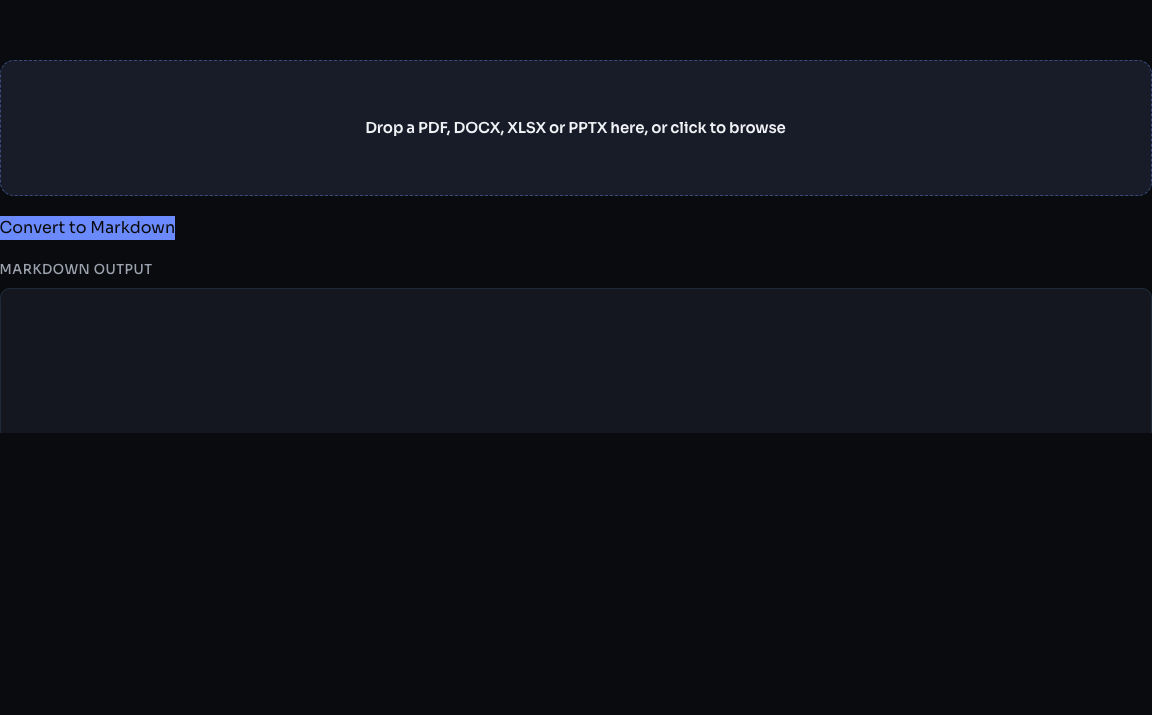
Convert PDF, DOCX, XLSX, and PPTX files to clean Markdown for ChatGPT, Claude, and LLM prompts. Files are processed in your browser without an EaziApps document upload.

Preparing private browser tool…

Your document will stay on this device.

PDF, DOCX, PPTX, and XLSX files are converted locally for LLM workflows.

Document to Markdown examples

Convert files into cleaner Markdown for LLM prompts and note-taking.

PDF report

Report pages# Headings + paragraphs

Use for ChatGPT, Claude, and documentation drafts.

DOCX brief

Word documentStructured Markdown

Keeps sections easier to scan and edit.
PPTX slides

Slide deckSlide-by-slide notes

Useful for summaries and knowledge bases.

How to convert documents for ChatGPT and Claude

Use Document to Markdown when a PDF, DOCX, PPTX, or XLSX file needs to become clean text for LLM prompts, notes, documentation, or knowledge base drafts. Markdown keeps headings, lists, tables, and sections easier to review than raw copied text.

Steps

  1. Drop a PDF, DOCX, PPTX, or XLSX file into the converter.
  2. Review the generated Markdown and remove sections you do not need.
  3. Copy the Markdown into ChatGPT, Claude, Obsidian, or your documentation workflow.

Privacy note

Conversion runs in the browser. Your source document is not uploaded to EaziApps, which is useful for drafts, internal notes, contracts, and research material.

Frequently asked questions

Why convert documents to Markdown?
Markdown is the ideal format for feeding documents into LLM prompts like ChatGPT and Claude — it preserves structure (headings, lists, tables) without any bloated formatting tokens, uses fewer tokens than HTML, and is diffable under git for version control. Clean Markdown also renders consistently anywhere — GitHub, Obsidian, static site generators, or any note app.
What file formats are supported?
PDF, DOCX (Microsoft Word), XLSX (Microsoft Excel), and PPTX (Microsoft PowerPoint). PDFs extract all text content page by page, DOCX preserves headings and lists, XLSX converts each sheet into a Markdown table, and PPTX turns each slide into a section with bullet points.
Is my file uploaded anywhere?
The converter uses PDF.js, Mammoth, SheetJS, and JSZip in the browser. The selected document is not sent to an EaziApps document-processing server. As with any sensitive material, use a trusted device and review your browser extensions and network policy.