Freelance invoice
Client details + line itemsProfessional PDF
Tax, discount, and totals are calculated automatically.
Create professional invoices and download as PDF. No signup, no watermark. Live preview, 14 currencies, tax and discount support.
Preparing private browser tool…
No account is created, and the PDF is generated directly in your browser.
Create and download a PDF invoice in the browser without creating an account.
Tax, discount, and totals are calculated automatically.
Good for quick one-off invoices.
No account or hosted invoice history required.
Review our local-processing checks, documented limitations, and repeatable testing method.
Use Invoice Generator for a clear, downloadable invoice when you do not need cloud bookkeeping or a recurring subscription. Prepare the business and customer details first, then review every amount before exporting the PDF.
Invoice details stay in the browser while you create the document. EaziApps does not require an account or upload the invoice data to an EaziApps server.
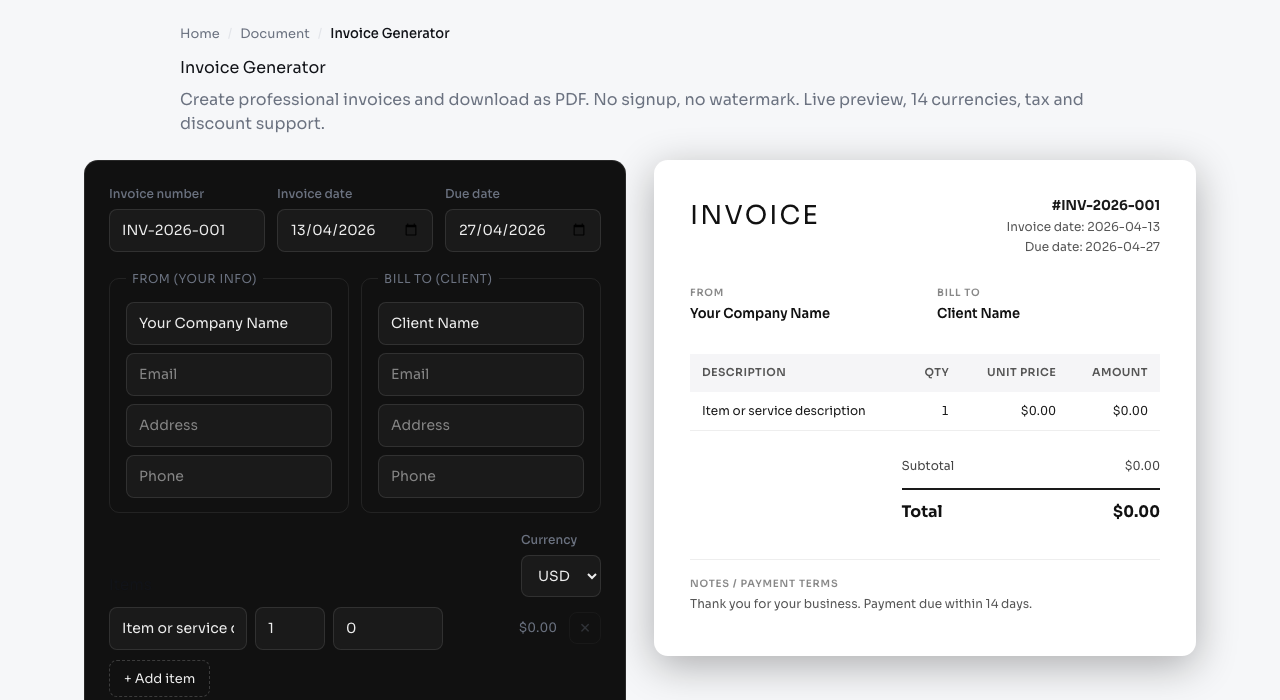
The form is split into a From block for your own details, a Bill to block for the client, and an item table. Each block takes a name or company, an email, an address and a phone number. The header carries an invoice number, an invoice date that defaults to today, and a due date that defaults to fourteen days out, all of which you can change.
Line items have a description, a quantity and a unit price, and the row amount is computed for you. You can add and remove rows freely. Below the table there is a flat discount amount, a tax rate as a percentage, and a notes field that starts with a payment terms sentence you can overwrite.
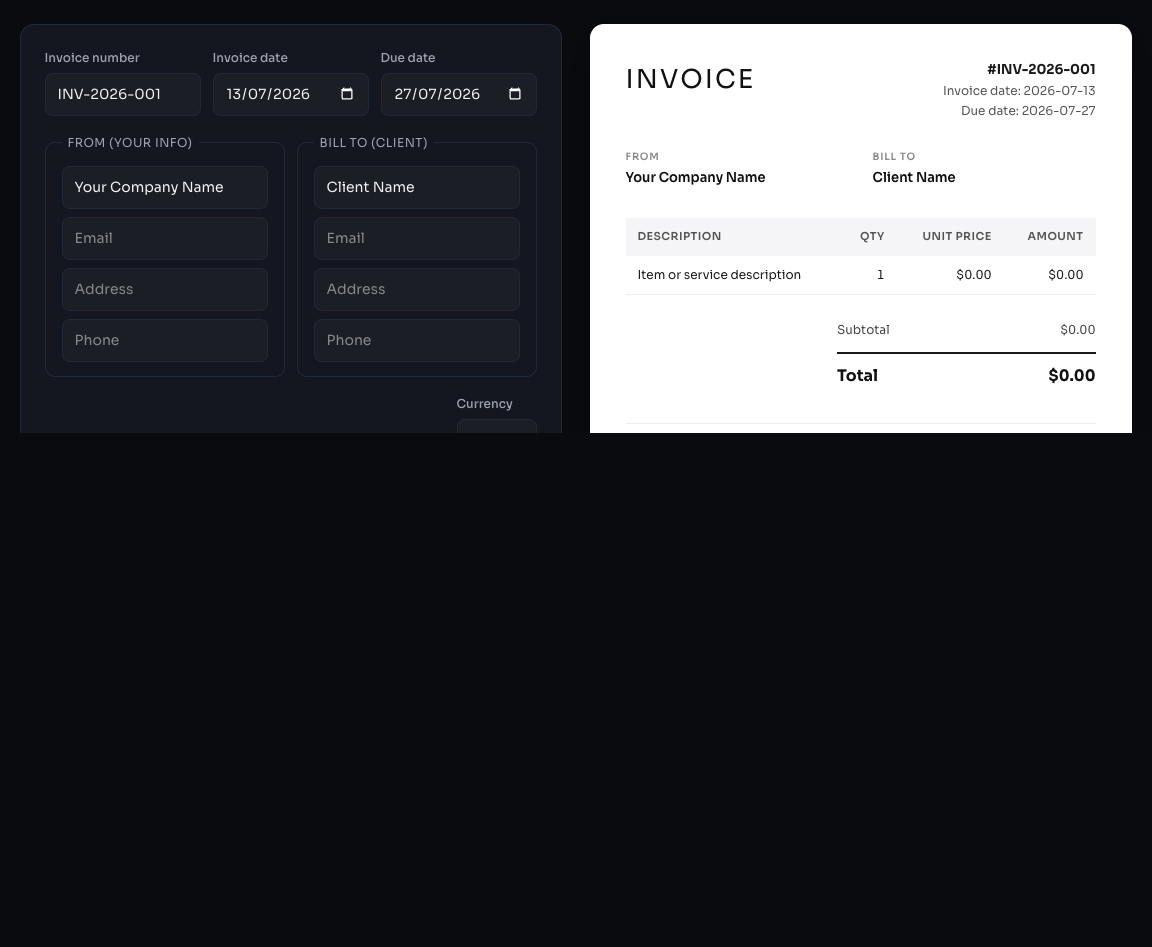
A live preview of the finished invoice sits beside the form, and the Download PDF button renders the same document as an A4 PDF file. Nothing is stored: there is no account, no saved client list, and no history, so closing or reloading the page clears the form back to its defaults.
The subtotal is the sum of quantity multiplied by unit price across every line. The discount is then subtracted from that subtotal as a flat currency amount, not as a percentage, and the result is floored at zero so an oversized discount cannot produce a negative invoice.
Tax is applied after the discount. In other words the tax rate multiplies the discounted subtotal, and the total is the discounted subtotal plus that tax. This ordering matters and it is the common convention in most jurisdictions, since a discount reduces the taxable consideration. If your local rules require tax on the pre-discount amount, this tool will not produce that figure and you should compute it another way.
The tax field is a single rate applied to the whole invoice. There is no per-line tax, no mixed rate handling, no reverse charge logic and no withholding. Discount and tax rows only appear on the document when their values are above zero, so a simple invoice stays clean.
Fourteen currencies are available: USD, EUR, GBP, JPY, KRW, CNY, INR, IDR, THB, VND, TRY, BRL, AUD and CAD. Amounts are formatted with the browser internationalization formatter using the locale of the page you are on, so the thousands separator and the symbol placement follow that locale rather than a fixed pattern.
Currencies that do not normally use minor units are given zero decimal places: JPY, KRW, IDR and VND are formatted without cents, while the rest use two decimal places. If the formatter is unavailable for some reason, the tool falls back to the currency code followed by the amount.
The chosen currency is display only. There is no conversion, no exchange rate lookup, and no mixing of currencies within one invoice. Every line and every total uses the one currency you select.
PDF is not a plain text format. Text is drawn with a font that has to be embedded in the file, and the default font in the PDF engine covers Latin-1 only. An invoice in Korean, Japanese, Chinese, Thai, Hindi or Arabic would otherwise come out as blanks or garbled characters, and so would a Latin invoice containing Polish, Czech, Vietnamese, Greek or Cyrillic characters outside that range.
To handle this, the tool scans every string that will be drawn, including the labels and everything you typed, decides which scripts are present, and fetches only the Noto fonts those scripts need from this site. Those files are large, several megabytes for the CJK fonts in particular, so an invoice containing Chinese text takes noticeably longer to generate the first time. A purely Latin-1 invoice downloads no font at all.
When an embedded font is used it has a single weight, so the bold and regular distinction in the layout collapses to one weight for that document. For Arabic, the engine is switched into right to left mode so the runs are laid out in visual order.
Enter three items: 12 hours of design at 95.00, 4 hours of revisions at 95.00, and one licence fee at 250.00. The subtotal is 1770.00. Apply a flat discount of 70.00 and the taxable amount becomes 1700.00. Set the tax rate to 10 percent and the tax line reads 170.00, giving a total of 1870.00.
Set the invoice number to 2026-014, leave the invoice date as today and the due date at fourteen days, and replace the notes with your bank details. Download PDF produces an A4 document with the INVOICE heading and the number and dates in the top right, the From and Bill to blocks side by side, the item table, the totals stack on the right, and the notes at the foot.
Long item descriptions wrap inside the description column rather than running into the price columns, and when the content runs past the bottom margin a new page is started. That makes a twenty line invoice practical, although the column headers are not repeated on the continuation page.
There is no logo upload, so the document header is typographic rather than branded. There is no payment link, no QR code, no bank details field beyond the free text notes, no purchase order field, no shipping block, and no signature area. There is no per-line description of tax treatment and no VAT registration number field, which some jurisdictions require on a compliant tax invoice.
Nothing is saved between visits. There is no client database, no invoice numbering sequence that increments for you, and no record of what you sent. Keep the generated PDFs yourself, and if you invoice regularly, expect to retype the From block each time or move to bookkeeping software that keeps your history.
Everything runs in your browser. The client details, amounts and notes you type are not transmitted anywhere, and the PDF is assembled locally. The only network requests involved are for the font files, when your text needs them.