Why Markdown helps AI assistants
AI assistants work best when the input is structured. A raw PDF or slide deck can contain page headers, footers, broken line wraps, table fragments, and hidden formatting. Markdown gives the model cleaner headings, lists, tables, and plain text.
This is useful when you want to summarize a report, extract action items, compare versions, draft a response, or turn a document into notes.
A practical document preparation workflow
Use Document to Markdown when you want a cleaner text version of a document before pasting it into ChatGPT, Claude, or another assistant.
- Choose a PDF, DOCX, PPTX, or XLSX file.
- Convert it to Markdown in the browser.
- Review the headings and tables.
- Remove irrelevant pages or boilerplate.
- Paste only the necessary section into your AI assistant.
This approach reduces noise and improves the chance that the assistant follows the actual structure of the source document.
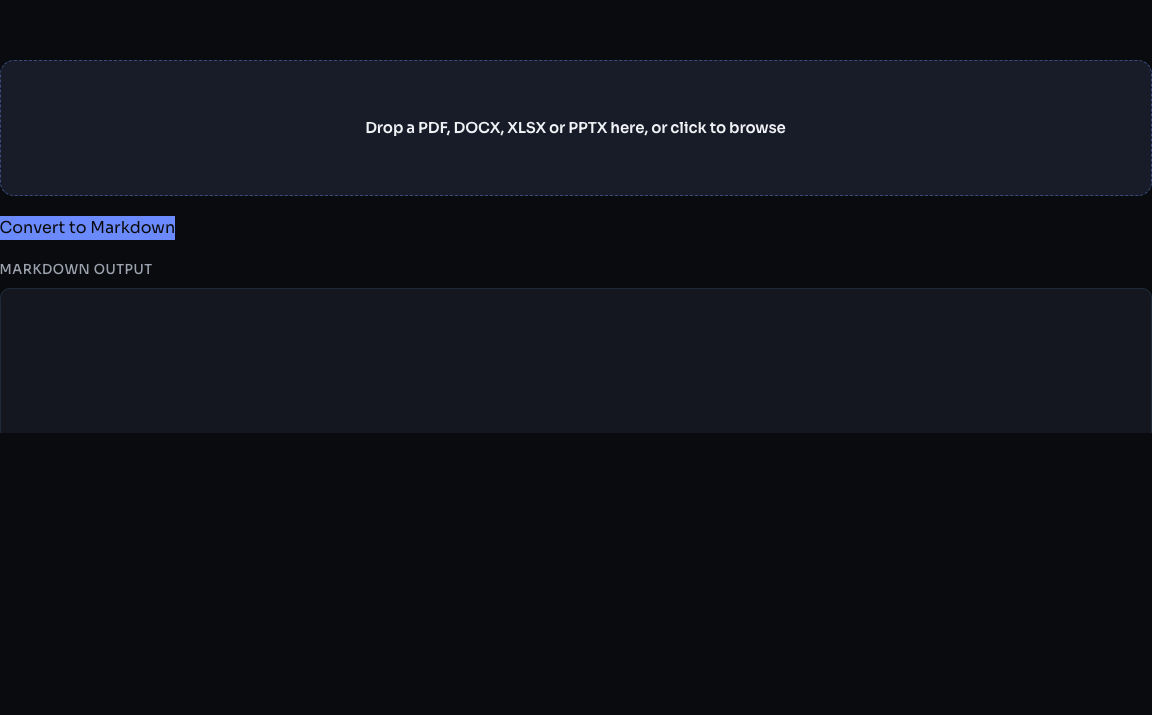
Review the generated Markdown before using it. Complex tables and visual slide layouts may need manual cleanup.
What to remove before using AI
Do not send more content than needed. Before pasting Markdown into an AI assistant, remove:
- Personal information that is not needed for the task
- Signatures and private contact details
- Repeated page headers and footers
- Long appendix sections that are not relevant
- Tracking IDs, invoice numbers, or account numbers
Local conversion helps at the preparation stage, but once you paste text into an AI assistant, that text is handled under the assistant provider's own terms. Treat that as a separate privacy decision.
Good prompt pattern
After converting to Markdown, use a prompt like this:
I will paste a Markdown version of a document.
Summarize only the section under "Project scope".
Keep all dates and numbers exactly as written.
Flag unclear or missing information.
Then paste the relevant Markdown section.
Common formatting issues
Document conversion is not always perfect. Tables can become wide, scanned PDFs may not contain selectable text, and slide decks may have text in a visual order that differs from the reading order. That is normal for document conversion.
If the output looks noisy:
- Try converting a smaller section.
- Remove decorative pages.
- Compress or simplify the PDF first.
- Copy only the headings and paragraphs that matter.
Why this is useful for research and business documents
Markdown is especially useful for meeting notes, policy documents, reports, research papers, invoices, and slide decks. It preserves enough structure for analysis without carrying heavy visual formatting.
Check the conversion before sharing
Compare the Markdown with the source document using a short, non-sensitive sample first. Check heading order, numbered lists, table columns, dates, and values. A local conversion can reduce unnecessary uploads during preparation, but it cannot guarantee that every visual layout will translate perfectly.
Bottom line
Do not paste messy documents into AI tools when a cleaner text version will work better. Convert locally, review the Markdown, remove unnecessary private details, then send only the content needed for the task.