Why Browser-Based Tools?
Many online tools upload selected files to remote servers. The EaziApps tools in this guide perform their documented processing in the browser, which can reduce unnecessary file transfer. Each tool page explains its processing method and practical limits.
Here are 10 browser-based tools that currently require no paid account for their documented core workflow.
1. Image Compress
Reduce image file sizes by up to 80% without visible quality loss. Uses MozJPEG and OxiPNG compression engines running in WebAssembly.
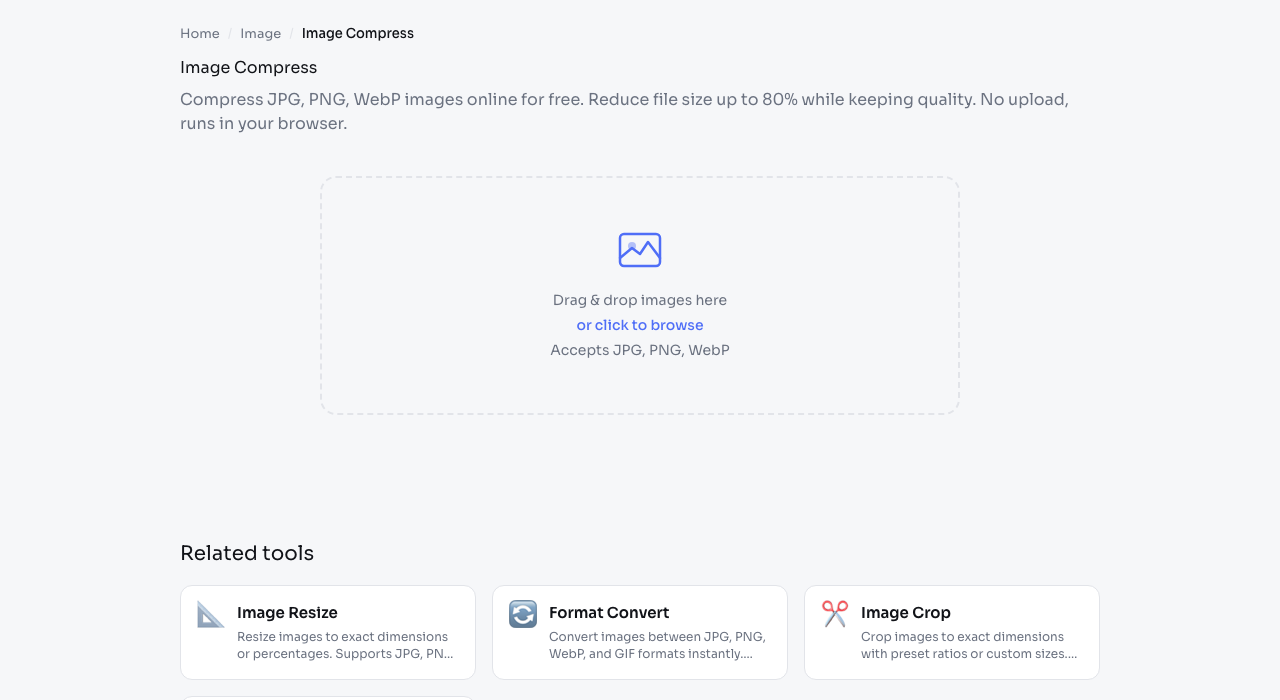
How to use: Drop your JPG, PNG, or WebP image, adjust the quality slider (80% is a good starting point), and download the compressed file.
Try it: Image Compress
2. AI Background Remover
Remove backgrounds from photos using the BEN2 AI model running in your browser. The current output has no added watermark, while dimensions and processing time depend on the input image, browser memory, and device performance.
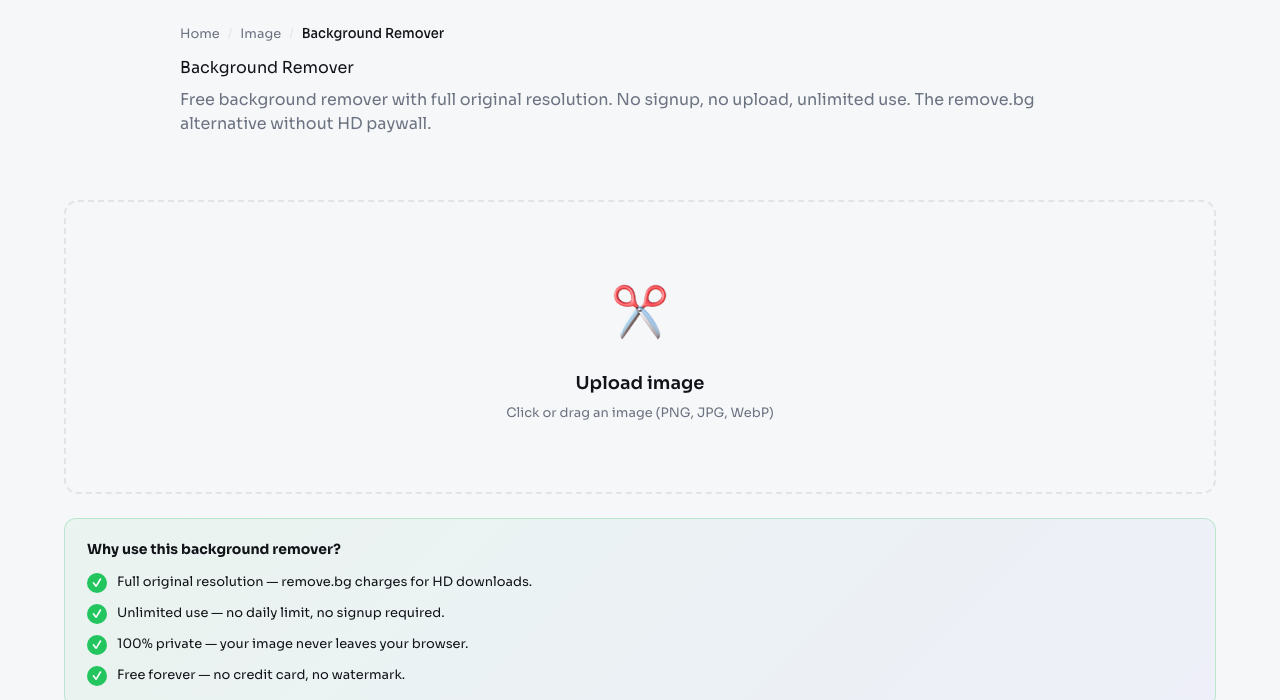
The tool exports a transparent PNG at its working resolution without requiring an account. Edge quality on fine hair and complex transparent objects can vary, so inspect the downloaded result before production use.
Try it: Background Remover
3. Invoice Generator
Create professional PDF invoices without signing up for an accounting platform. Fill in the form, see a live preview, and download the PDF.
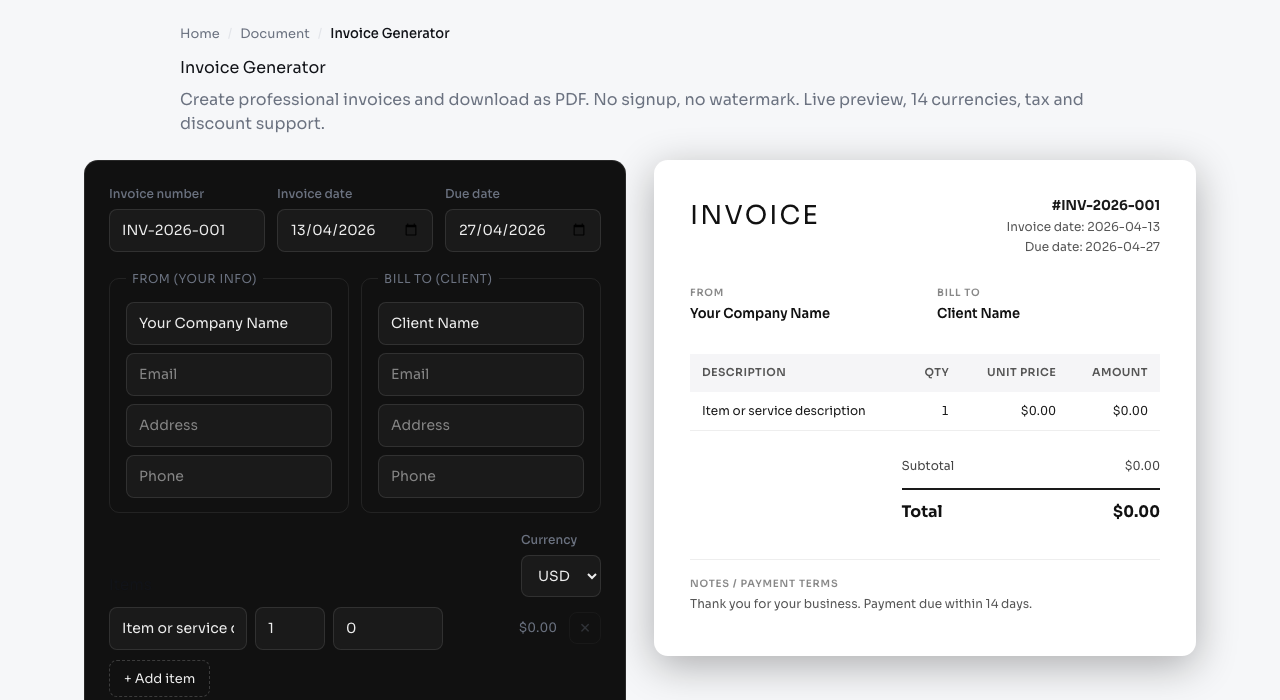
Supports 14 currencies with proper number formatting, tax calculation, and discount fields. Your financial data stays on your device.
Try it: Invoice Generator
4. Video Compressor
Compress video files using FFmpeg compiled to WebAssembly. Reduce MP4 file sizes by up to 90% without re-uploading to any server.
Processing is slower than server-based tools (WASM vs native), but your videos stay completely private. No watermarks on output.
Try it: Video Compressor
5. JSON Formatter
Format, minify, and validate JSON with syntax highlighting and error detection. Essential for any developer working with APIs.
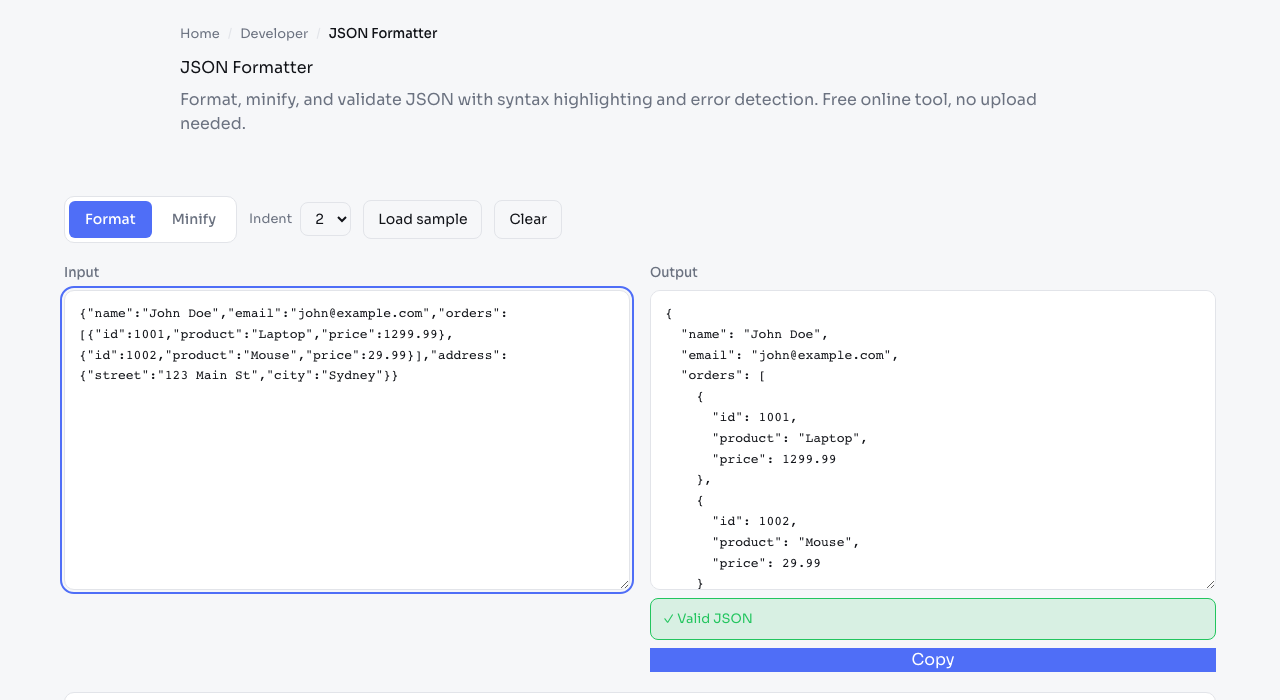
Paste messy JSON, click format, and get clean indented output. Errors are highlighted with line numbers.
Try it: JSON Formatter
6. PDF Merge
Combine multiple PDF files into a single document. Drag to reorder pages before merging.
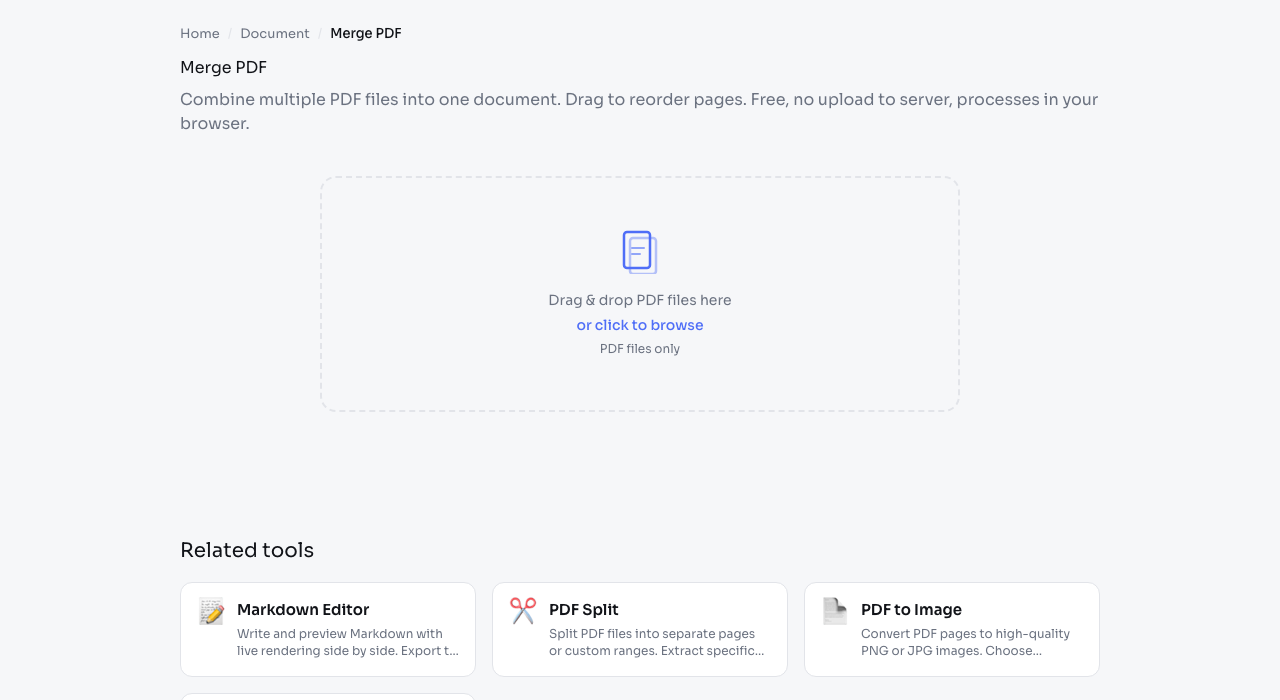
Uses pdf-lib (MIT licensed) to process documents in your browser. EaziApps applies a 100 MB per-file limit to reduce browser memory failures.
Try it: PDF Merge
7. QR Code Generator
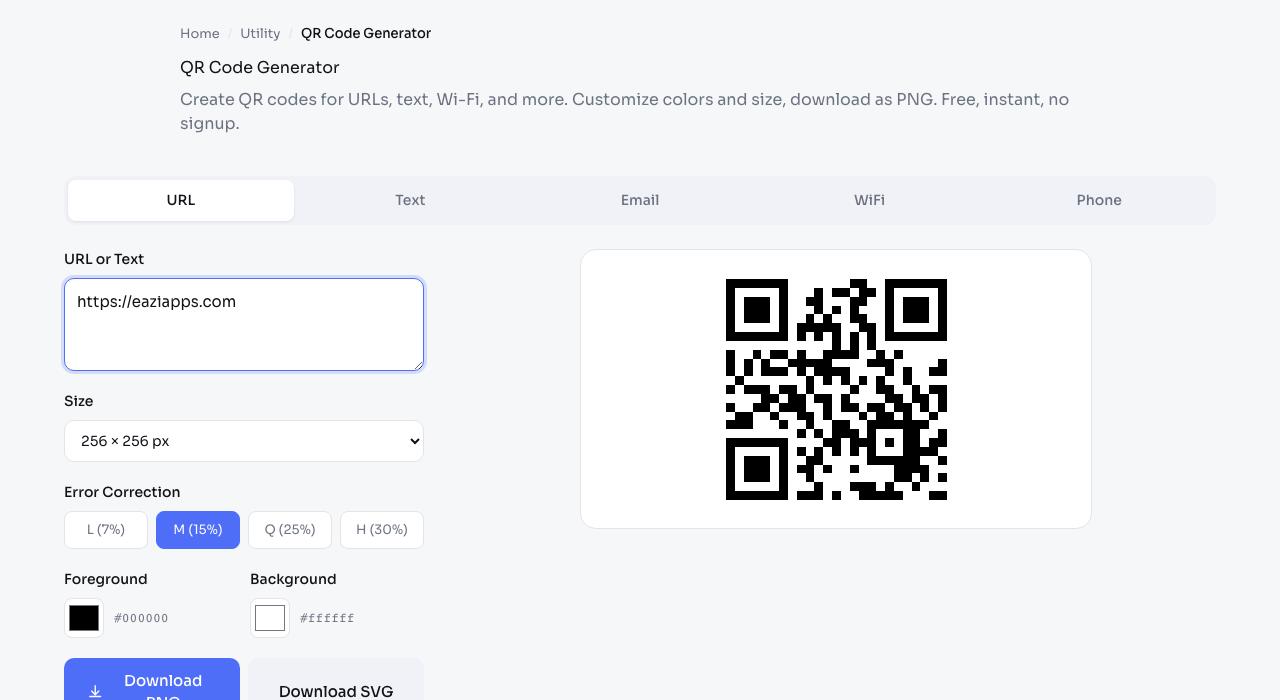
Create QR codes for URLs, text, Wi-Fi credentials, and more. Customize colors and download as PNG.
Try it: QR Code Generator
8. CSS Box Shadow Generator
Build layered box shadows visually with live preview. Copy the CSS with one click.
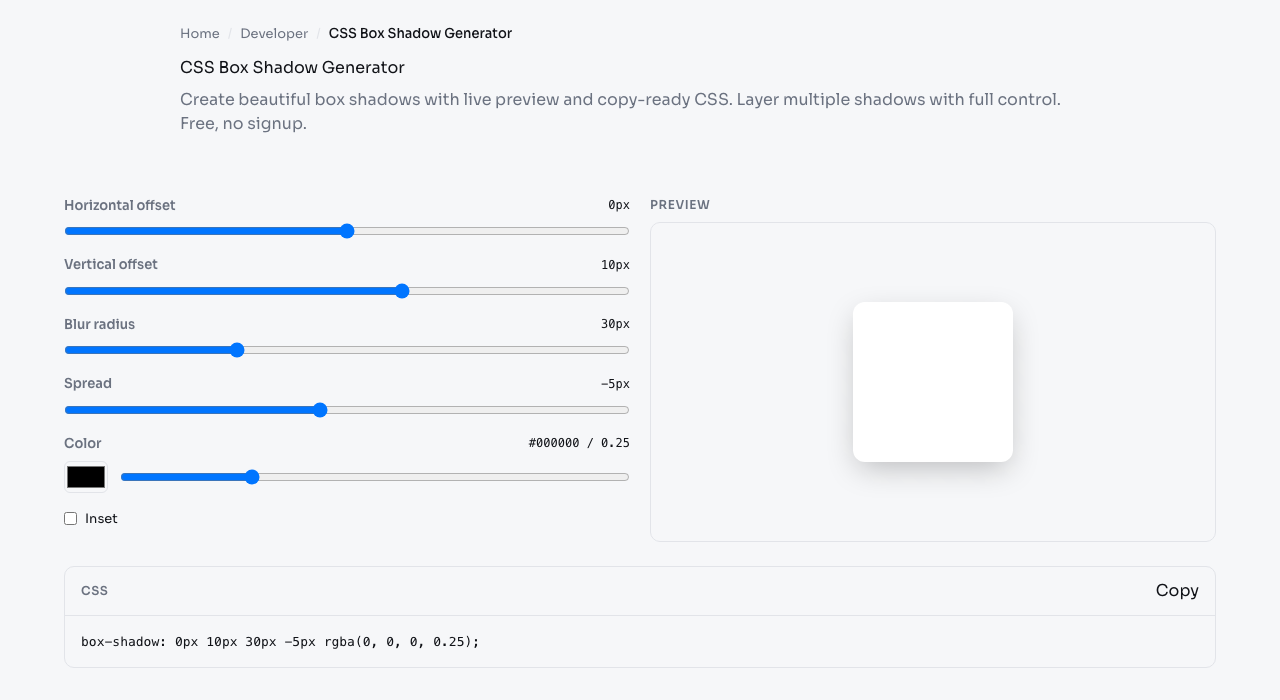
Add multiple shadow layers, adjust blur, spread, color, and position. Great for designers who want to fine-tune shadows without writing CSS by hand.
Try it: CSS Box Shadow Generator
9. PDF Split & Compress
Extract specific pages from a PDF or compress PDF files for email attachments. Both tools process locally.
- PDF Split - extract page ranges
- PDF Compressor - reduce file size
10. Screen Recorder
Record your screen, window, or browser tab with audio. Download as WebM. No install needed.
Great for bug reports, tutorials, or quick demos. Uses the browser's native Screen Capture API.
When you only need sound, Voice Recorder captures audio from your microphone the same way, and Silence Remover cuts the long pauses out of the result before you share it.
Try it: Screen Recorder
What Ties These Tools Together
The ten tools above cover very different jobs, from compressing a photo to recording a screen, yet they share one design choice: the work happens in your browser instead of on a remote server. That single decision produces the benefits that show up again and again in this list. Your files stay on your device, so private documents and unreleased media are not uploaded. There are no daily caps tied to an account, because there is no account. And there is nothing to install, so the tools work the same on a work laptop, a personal machine, or a phone. The tradeoff is that heavy jobs like video compression run more slowly than native software, since WebAssembly cannot match a native encoder, and very large files depend on how much memory your device has.
How to Choose the Right Tool
- Optimizing images for a website or email? Start with Image Compress and resize first if the photo is huge.
- Preparing product or profile photos? Background Remover gives a clean cutout in seconds.
- Sending a document by email? Combine pages with PDF Merge or shrink them with the PDF compressor.
- Debugging an API? JSON Formatter makes any payload readable.
- Linking print to digital? QR Code Generator bridges a poster to a web page.
Match the tool to the task and you rarely need more than one or two for a given job.
Frequently Asked Questions
Do these tools cost anything? No. Every tool in this list is free to use with no account and no watermark on the output.
Are my files uploaded? The tools here perform their core work in your browser, so files stay on your device. Each tool page documents its exact processing method and limits.
Why is the video compressor slower than other sites? It uses FFmpeg compiled to WebAssembly, which runs inside the browser for privacy. That is slower than a server's native encoder but keeps your video off any server.
Do I need to install anything? No. Everything runs in a normal web browser on desktop or mobile, with nothing to download or set up.
All 165 Tools
These are just 10 of the 165 free tools available at eaziapps.com. Every tool runs in your browser with no uploads, no accounts, and no daily limits.
Categories include Image (13), Document (9), Video (5), Audio (7), Developer (68), Calculator (37), and Utility (26).